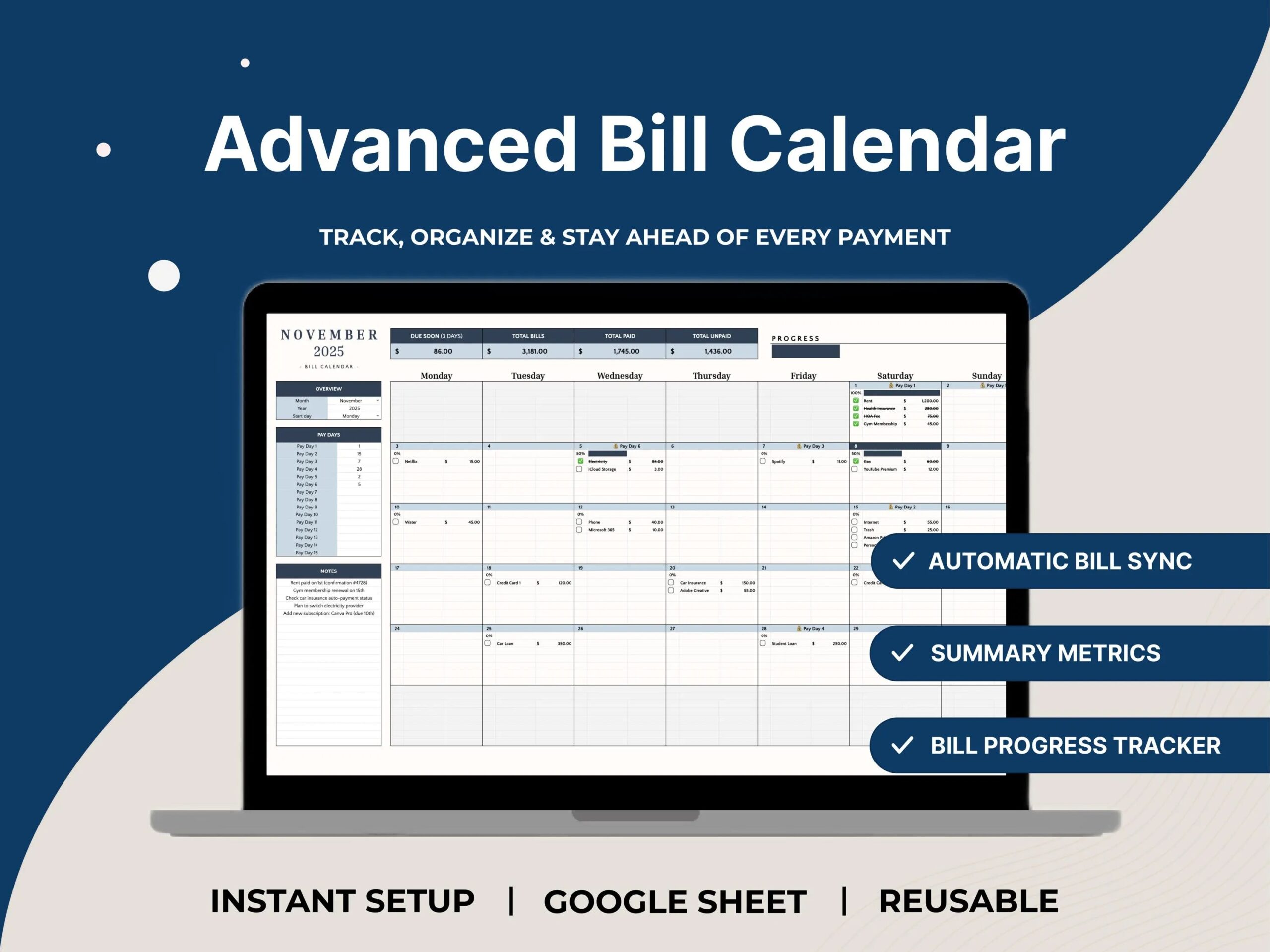
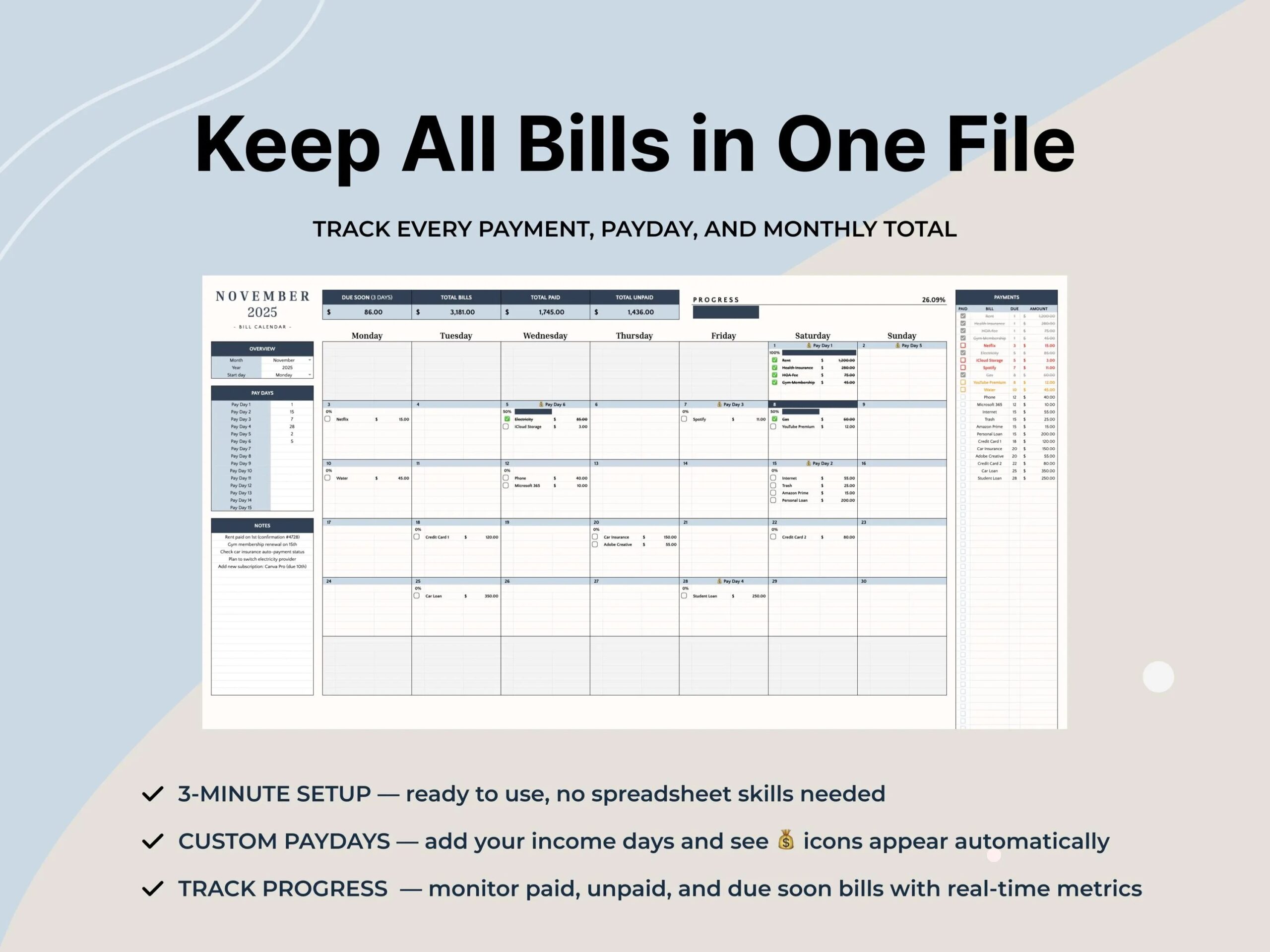
A bill calendar works best when it answers one question quickly: what needs attention next? The Sylvor Bill Payment Calendar Spreadsheet is planned around that simple idea. It brings recurring payments, subscriptions, and other scheduled expenses into a month-at-a-glance format so dates are easier to review alongside a broader household plan.
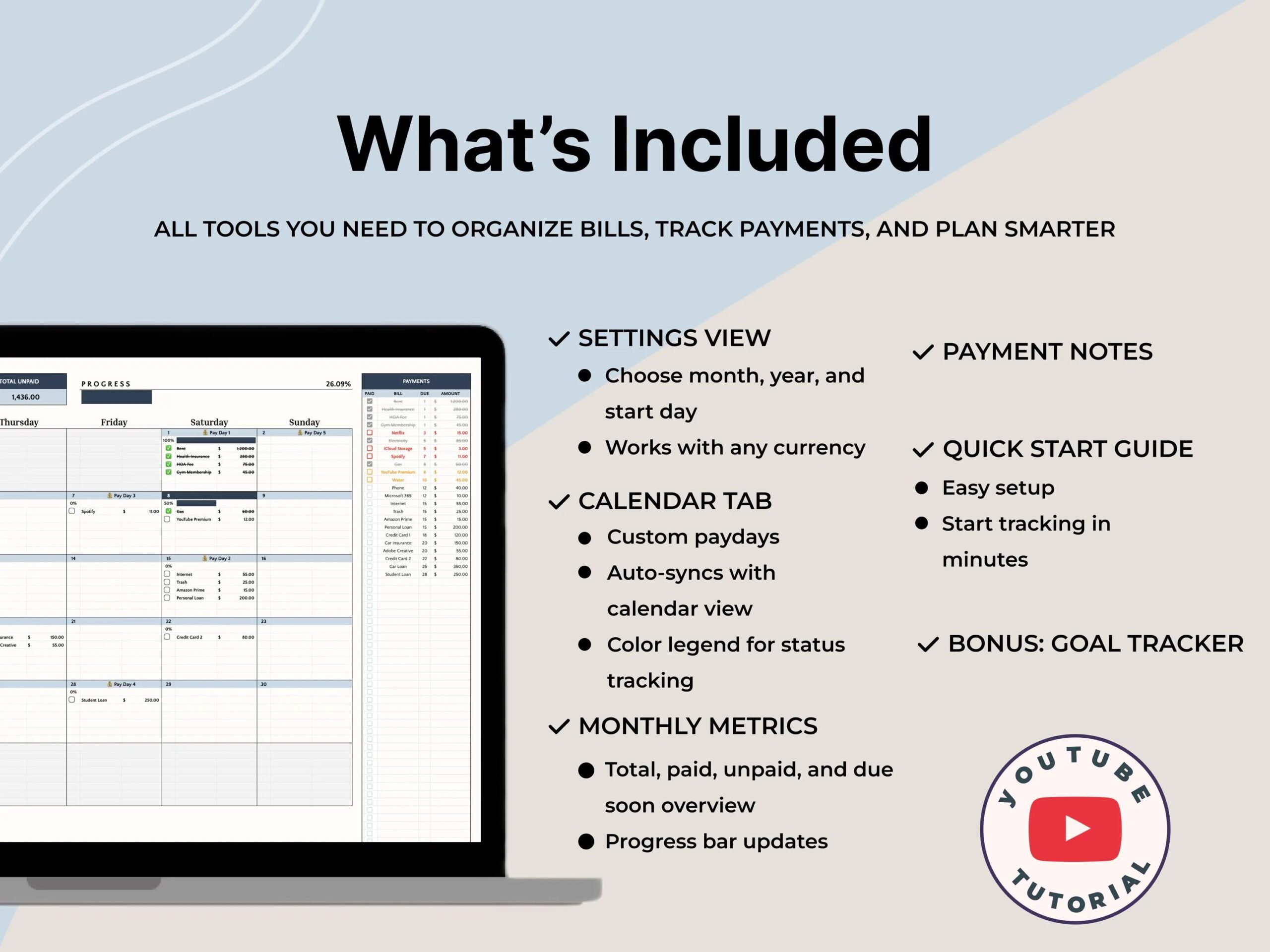
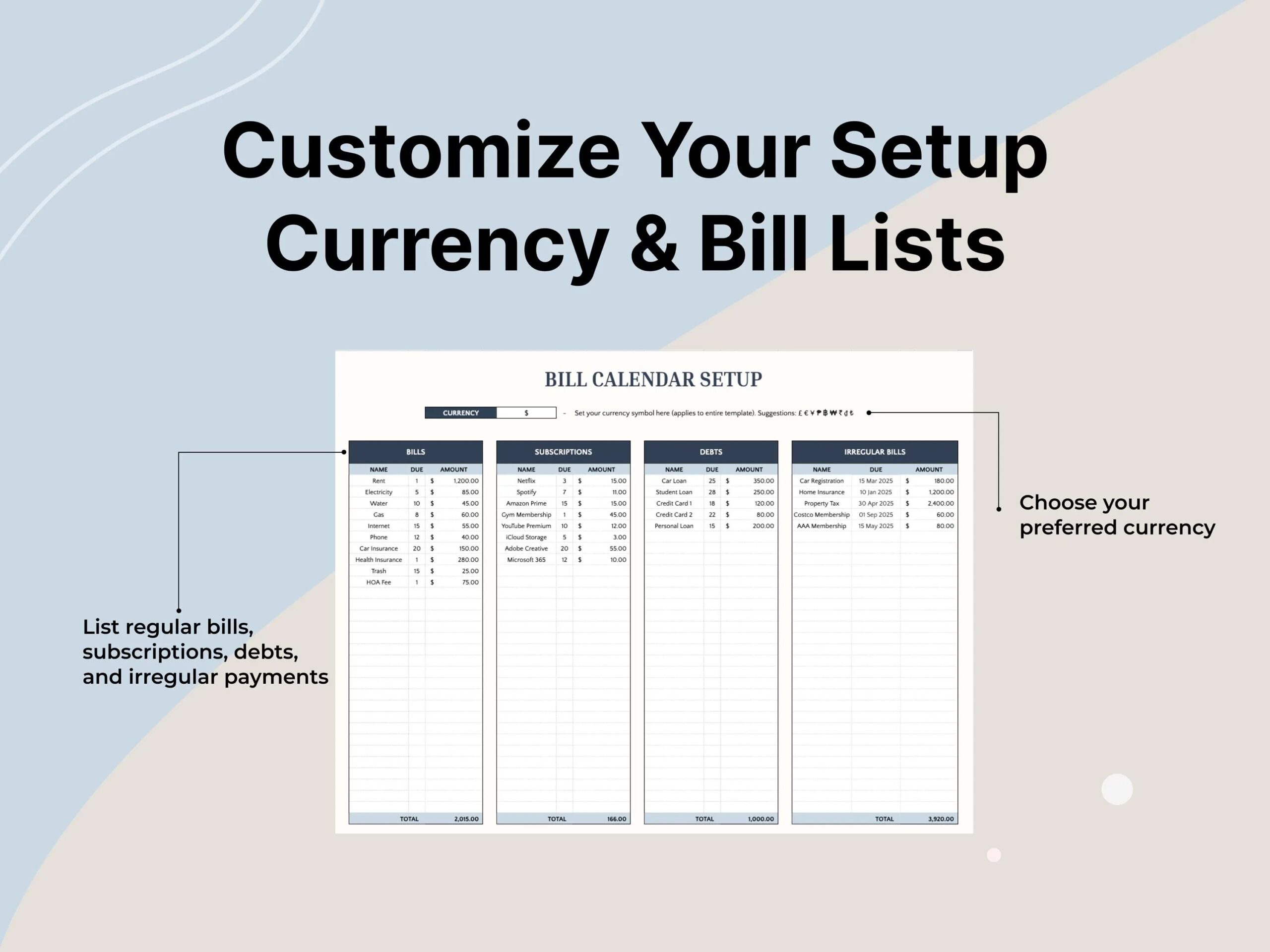
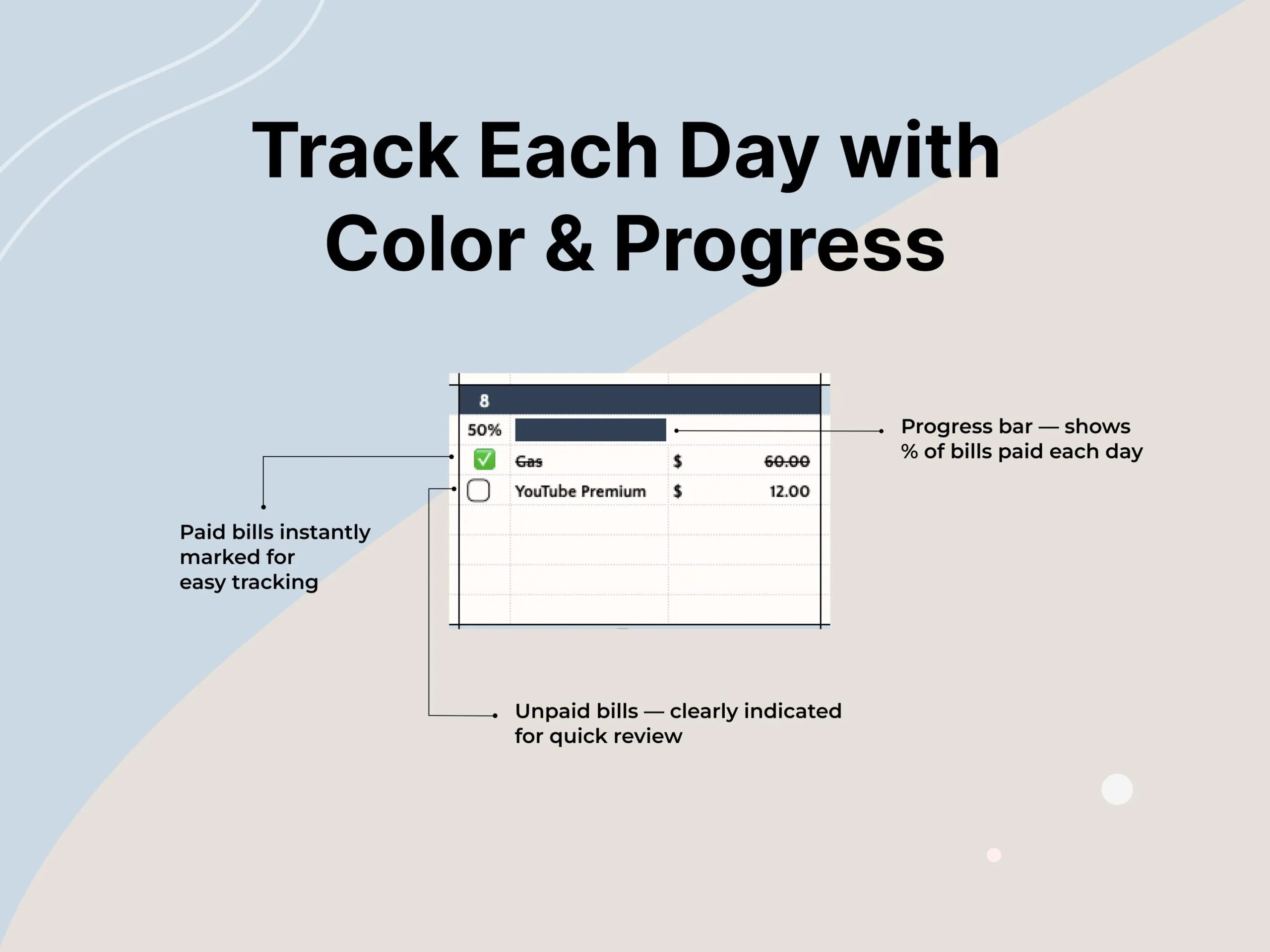
The reference product uses an editable Google Sheets calendar rather than paper pages. Its concept includes areas for regular bills, subscriptions, debts, and irregular obligations, with visual status indicators for upcoming and completed items. A carefully designed Sylvor version would let users record a payment date, note an amount, and scan the month without switching between several unrelated lists. Actual automation and alert behavior must be tested in the finished file before being advertised.
Planned calendar features
- Monthly view for bill and payment due dates.
- Organized sections for routine bills and subscriptions.
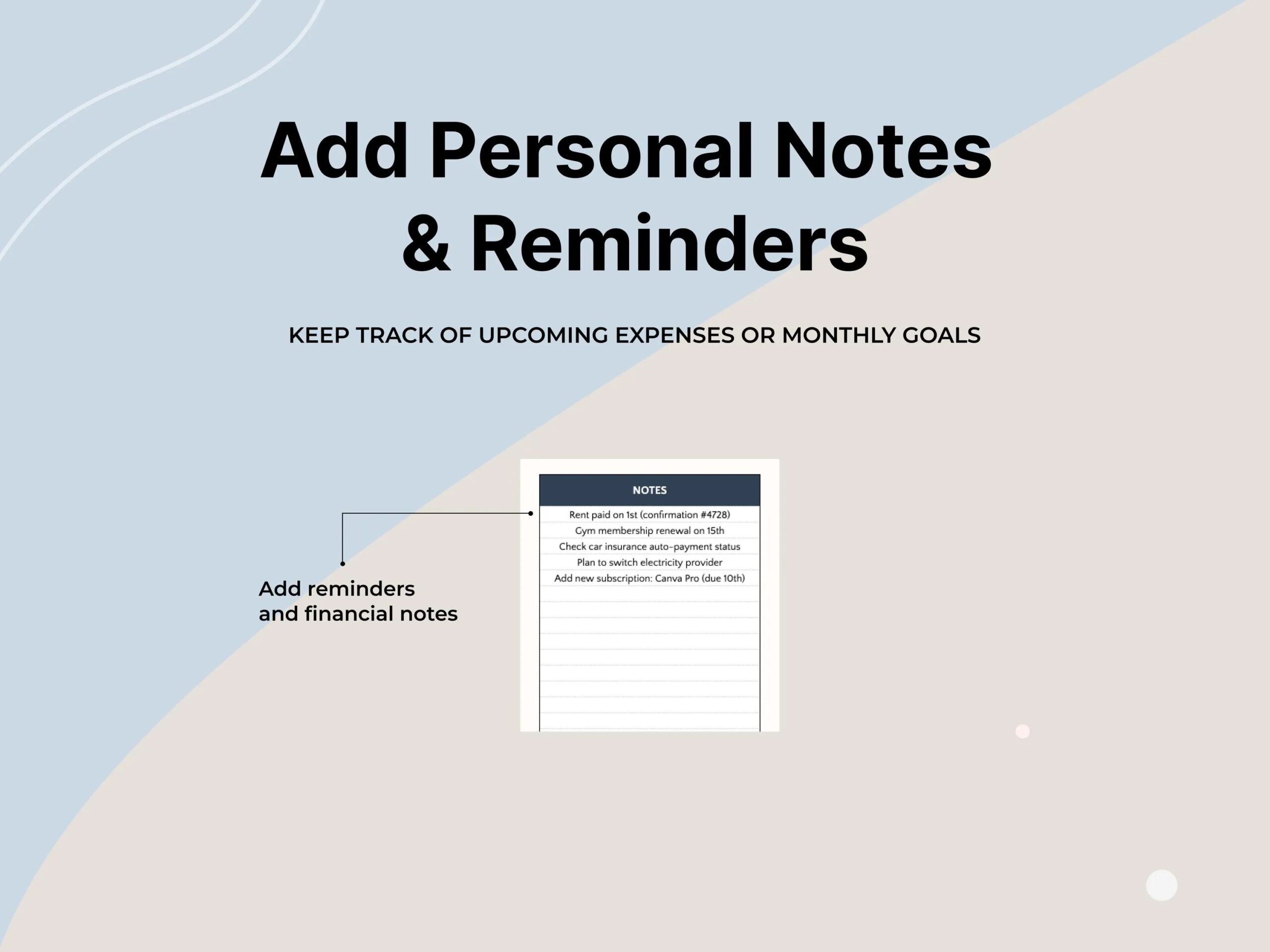
- Space to note occasional or irregular payment commitments.
- Payment-status tracking to support a consistent review routine.
- Optional summary and color-coded views, pending final implementation.
For someone paid twice a month, a visual calendar can reveal when several bills fall close together. For roommates or families, it can provide a shared reference for recurring household obligations. Freelancers may find it useful to compare due dates against changing payment schedules. The goal is better organization; the template does not pay bills, contact providers, or guarantee that payments will be made on time.
Format and important information
Planned format: an editable Google Sheets digital template. A Google account may be needed to create a personal copy. This is not a printed calendar and no physical product will be delivered. The final Sylvor file, working formulas, alert logic, device compatibility, and download method must be confirmed before publication.
A thoughtful bill tracker should reduce the need to remember dates from memory. Sylvor’s version aims for an uncluttered visual schedule, straightforward labels, and enough flexibility to adapt as the month changes. It is a record-keeping aid, not banking software or professional financial advice.